Free printing
印刷無料Free printing
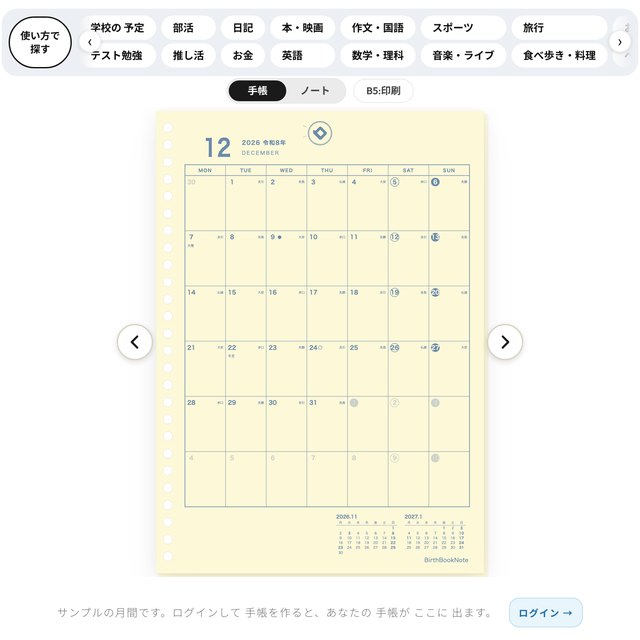
作った紙を、家のプリンターで無料で印刷できます。
買う前に1ページ刷って、線の太さや色を実物でたしかめましょう。
You can print the page you made for free on your home printer.
Before you buy, print one page and check the line thickness and color on real paper.

一Find by use
使い方で、さがす Find a page by how you use it
紙の上の「使い方で探す」から、使い道に合う紙をさがせます。学校の予定・部活・日記・本・映画・作文・国語・スポーツ・旅行・テスト勉強・推し活・お金・英語・数学・理科・音楽・ライブ・食べ歩き・料理、など。
Use "Find by use" above the paper to find a page that matches what you need it for: school schedule, club, diary, books, movies, writing, sports, travel, test study, fan activities, money, English, math, science, music, live shows, food outings, cooking, and more.
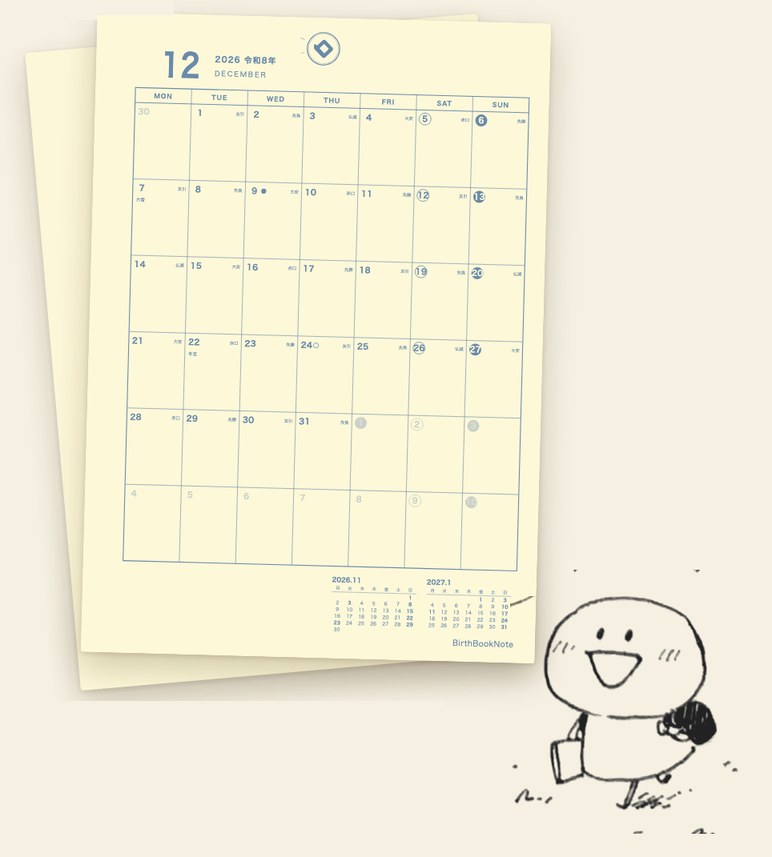
二Print at home
家のプリンターで刷る Print on your home printer
- 刷りたいページを開きます。
- 画面の「印刷」ボタンをおします。見ている1ページが印刷されます。
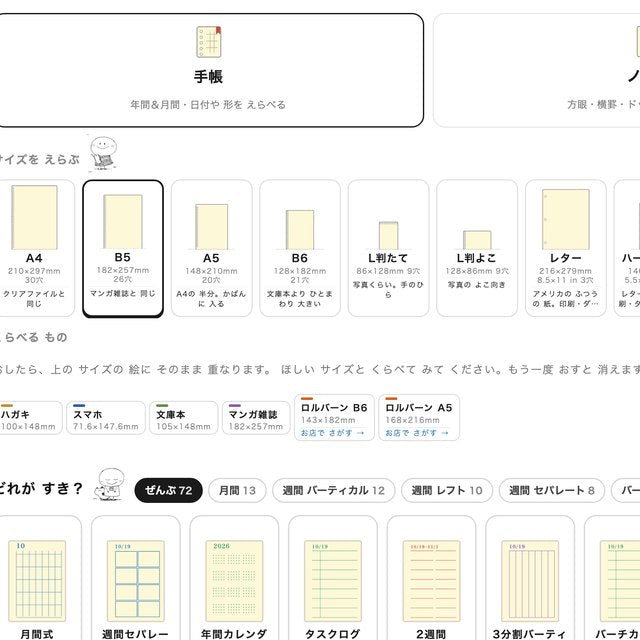
- 印刷の画面で、用紙は作ったサイズ(B5など)、倍率は100%(実際のサイズ)にします。
- 「印刷」をおします。
- Open the page you want to print.
- Tap the "Print" button. The page you are looking at is printed.
- In the print dialog, set the paper to the size you made (such as B5) and the scale to 100% (actual size).
- Tap "Print".
もっと読む
倍率は100%で
倍率が100%でないと、穴の位置や線の間かくがずれます。「用紙に合わせる」「ページに合わせる」はオフにしてください。
穴は自分であけます
印刷した紙は、バインダーの穴に合わせて、自分で穴をあけて、とじてください。
Read more
Set the scale to 100%
If the scale is not 100%, the holes and the line spacing will be off. Turn off "Fit to paper" and "Fit to page."
Punch the holes yourself
Punch holes in the printed paper to match your binder, and bind it.
三At a convenience store
コンビニでも、刷れる You can also print at a convenience store
家にプリンターがないときは、コンビニのコピー機でも印刷できます(ネットワークプリント「ねっぷり」)。
- つかえる紙は、B5とA4です。ほかのサイズは家で印刷してください。
- ファミリーマート・ローソンのコピー機で刷れます。
- ログインが必要です。画面で「ねっぷり印刷」をえらぶと、番号(かQR)が出ます。コピー機でその番号(かQR)をつかうと印刷できます。
If you do not have a printer at home, you can print at a convenience store copier (the network print service "Netprint").
- You can print B5 and A4. Please print other sizes at home.
- It works at FamilyMart and Lawson copiers.
- You need to log in. Choose "Netprint" on the screen to get a number (or QR code), and use it at the copier.
Under the paper on the print screen
印刷の画面の、3つの列 Three rows on the print screen
印刷の画面の、紙の下には、ログインして、おきにいりに入れたものと、保存したものがならびます。
Under the paper on the print screen, what you added to your favorites and what you saved after logging in are lined up.


Four buttons
上の 4つの ボタンThe four buttons at the top
ページの 上の 4つの ボタンで、書く・刷る・作る・デコる が できます。
The four buttons at the top of the page let you write, print, make and decorate.