Make a planner
手帳を作るMake a planner
自分で作る、手帳とノート。まずどちらかをえらんで、つぎに紙の大きさをえらびます。
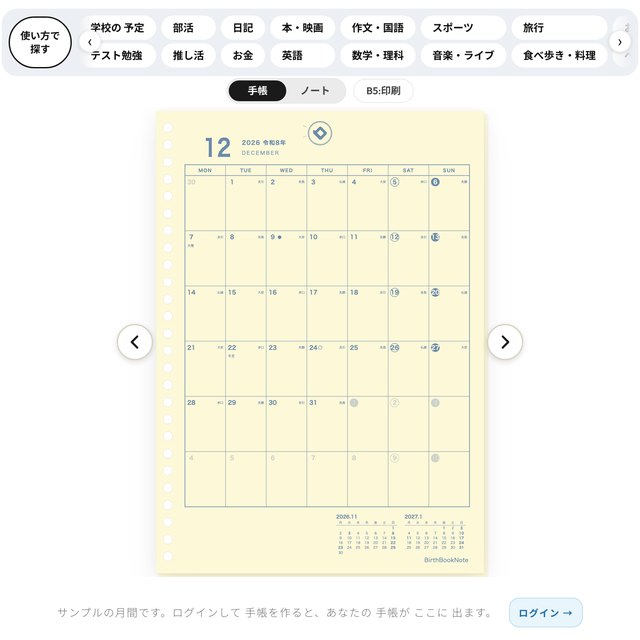
年間・月間・週間の形をえらび、色やはじまり月を決めると、その場で紙ができあがります。
Make your own planner or notebook. First choose which one, then choose the paper size.
Choose a yearly, monthly or weekly layout, pick the colors and the starting month, and the page is made on the spot.
一Choose a size
サイズを、えらぶ Choose a size
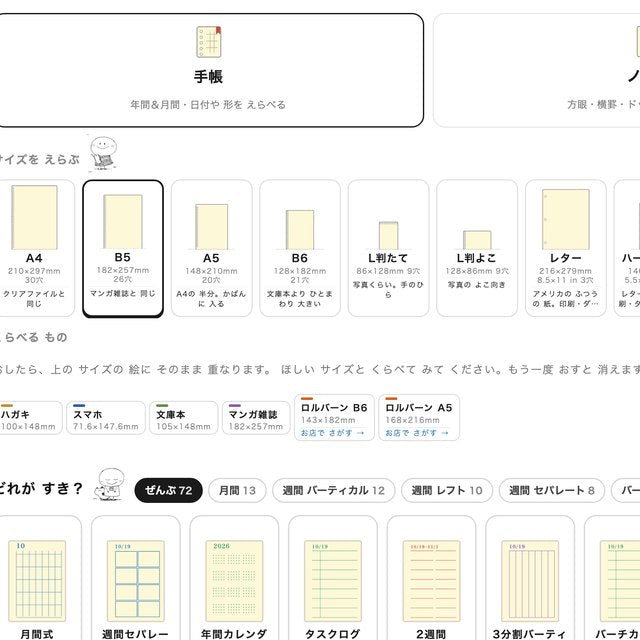
A4・B5・A5・B6・L判たて・L判よこ・レター・ハーフレター・バイブル・ポケットなど、手帳のサイズがならんでいます。
「くらべるもの」をおすと、サイズの絵に、ハガキ・スマホ・文庫本・マンガ雑誌が重なります。ほしいサイズとくらべてみてください。もう一度おすと消えます。
Sizes of planner paper are lined up: A4, B5, A5, B6, L portrait, L landscape, Letter, Half Letter, Bible, Pocket and more.
Tap an item under "Things to compare" and it overlaps the size picture: a postcard, a smartphone, a paperback or a manga magazine. Tap again to remove it.
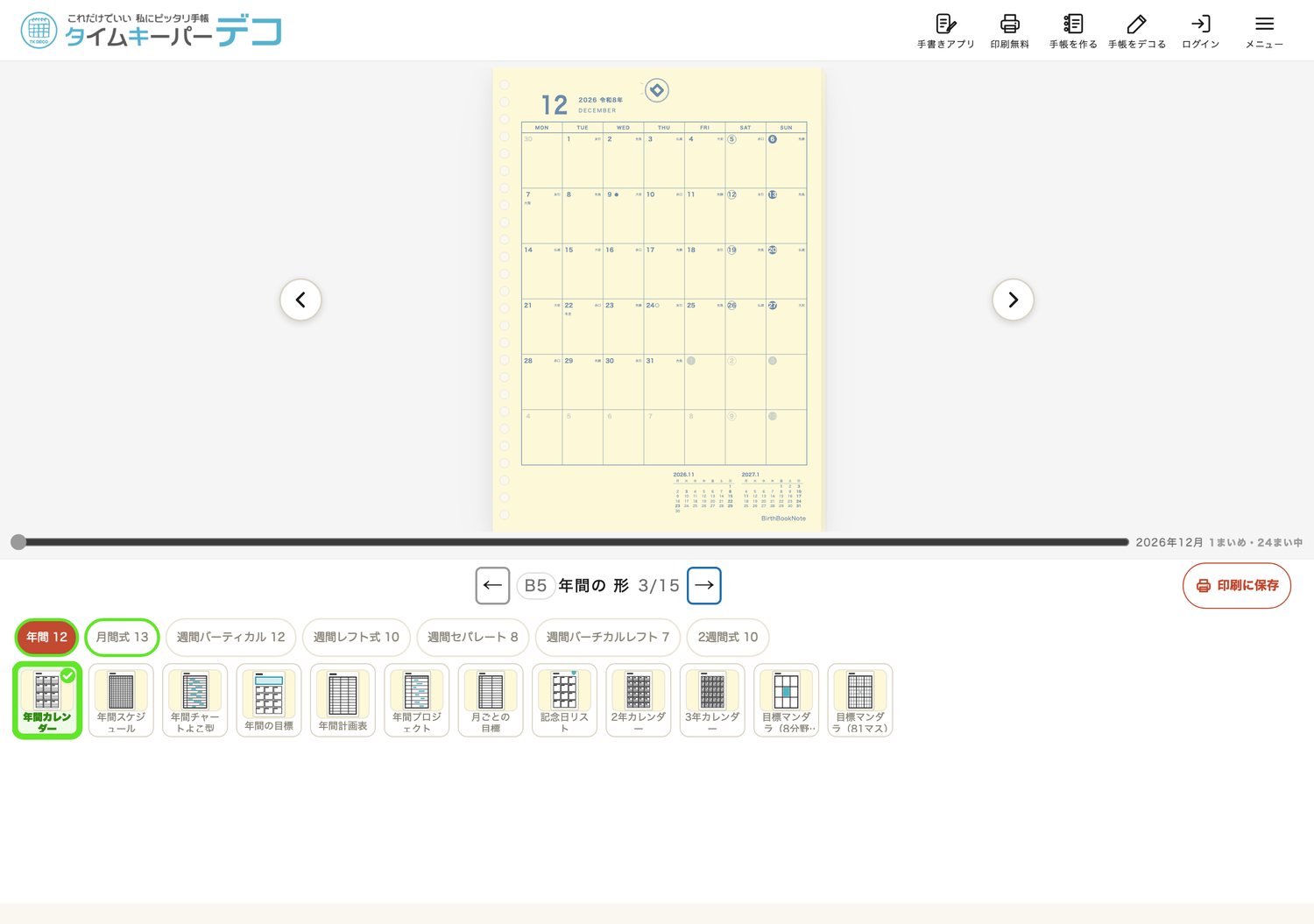
二Choose a layout
形を、えらぶ Choose a layout
年間・月間式・週間バーティカル・週間レフト式・週間セパレート・週間バーチカルレフト・2週間式。ぜんぶで72の形から、絵を見てえらべます。
えらぶと、紙がすぐに変わります。
Yearly, monthly, weekly vertical, weekly left, weekly separate, weekly vertical left and two-week layouts: choose from 72 layouts by looking at the pictures.
The paper changes right away when you choose.
もっと読む
手じゅんは15こ
国 → サイズ → 年間 → 月間か週間 → はじまり月 → 表示 → 形を変える → 色 → 名入れ → えにっき → 紙 → バインダー → 内容の確認 → 注文確定 → 印刷。画面の下に「3/15」のように、いまの手じゅんが出ます。
色と名入れ
線の色・文字の色・土曜と日曜の色をえらべます。名前を入れることもできます。
Read more
15 steps
Country → size → yearly → monthly or weekly → starting month → display → tweak the layout → color → your name → Enikki → paper → binder → check → order → print. The current step is shown at the bottom, like "3/15."
Colors and your name
You can choose the colors of lines, text, Saturdays and Sundays, and add your name.
三Try it first
買う前に、1ページ 刷ってみる Print one page before you buy
「印刷」で1ページだけ刷って、手にとって見てください。線の太さ・色・マスの大きさが自分に合うか、実物でわかります。
作る・書きこむ・見本を見る・家で印刷することは、無料です。
Print just one page with "Print" and hold it in your hand. You can see on real paper whether the line thickness, color and size of the boxes suit you.
Making, writing, viewing samples and printing at home are free.
Four buttons
上の 4つの ボタンThe four buttons at the top
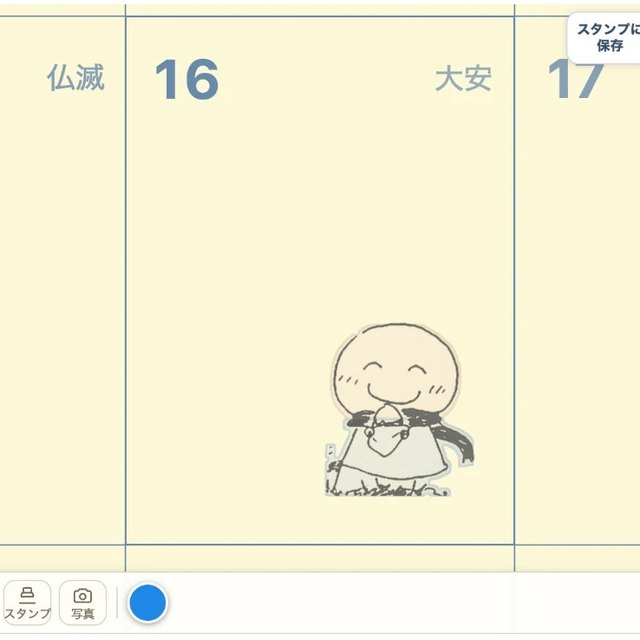
ページの 上の 4つの ボタンで、書く・刷る・作る・デコる が できます。
The four buttons at the top of the page let you write, print, make and decorate.