Decorate
手帳をデコるDecorate your planner
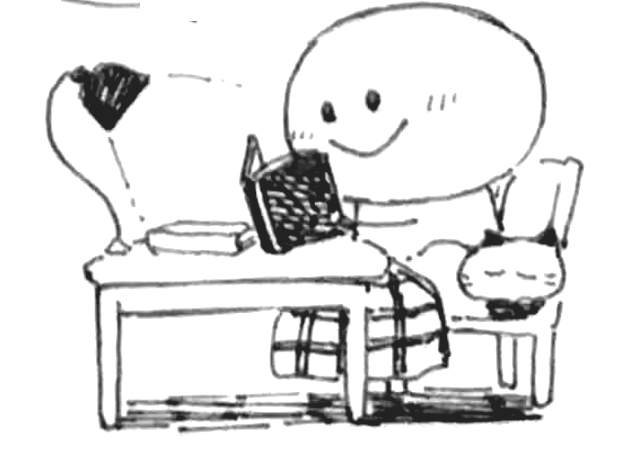
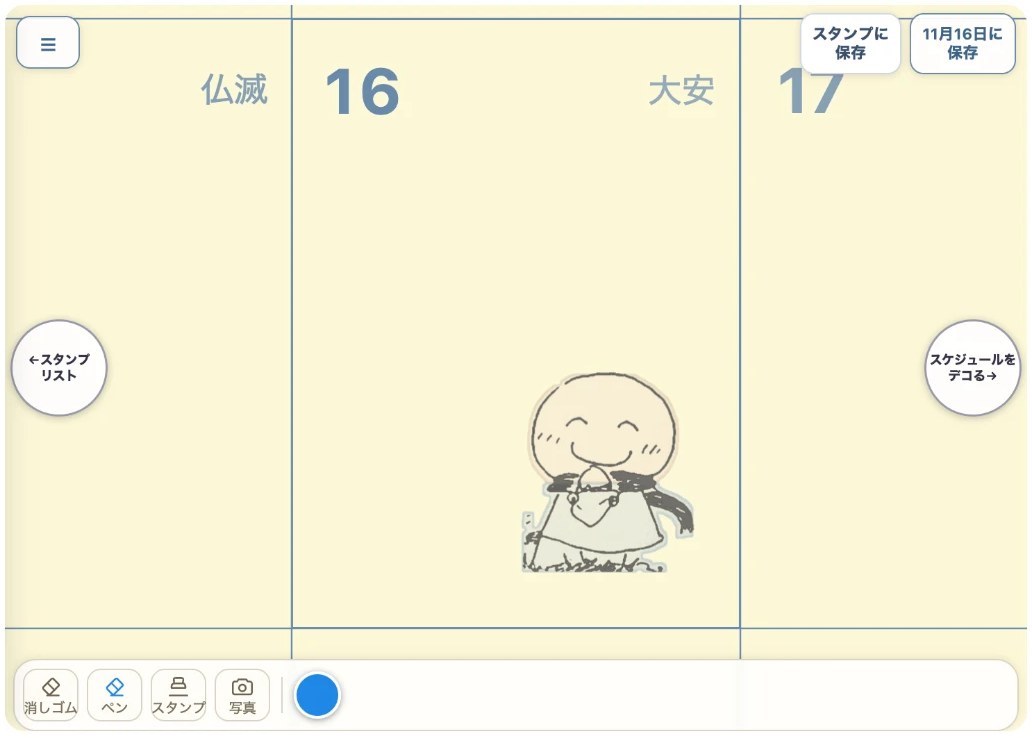
「えにっき」で絵を描いて、手帳の日付のマスに出せます。
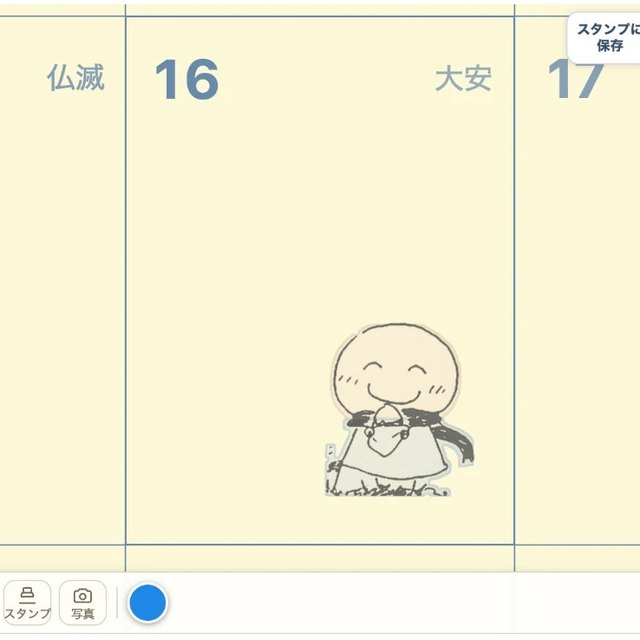
自分で描いた絵を、自分のスタンプにして、好きな日付に貼ることもできます。
Draw a picture in Enikki and show it on a date of your planner.
You can also turn your own drawing into a stamp and place it on any date you like.
一Five steps
デコる、5つの手じゅん Decorate in five steps
- 描く・入れる:えにっきで、ペンで絵を描いたり、手描きの絵や写真を入れたりします。色もえらべます。
- 背景を消す:絵や写真の白い背景を消して、絵だけにできます。
- スタンプに保存:「スタンプに保存」をおすと、自分のスタンプリストに入ります。
- 貼る:手帳の画面でスタンプをえらんで、貼りたい日付の紙をおすと、そこに貼れます。貼ったスタンプをおすと大きくなり、さいごに消えます。
- 印刷する:貼ったスタンプは、印刷した紙にも出ます。
- Draw or add: in Enikki, draw with the pen, or bring in a hand-drawn picture or a photo. You can choose the color too.
- Remove the background: erase the white background of a picture or photo, so only the drawing is left.
- Save as a stamp: tap "Save as stamp" and the drawing goes into your stamp list.
- Place: in the planner, pick a stamp and tap the page on the date you want. Tap a placed stamp to make it bigger; the last tap removes it.
- Print: placed stamps appear on the printed page too.
二On the monthly page
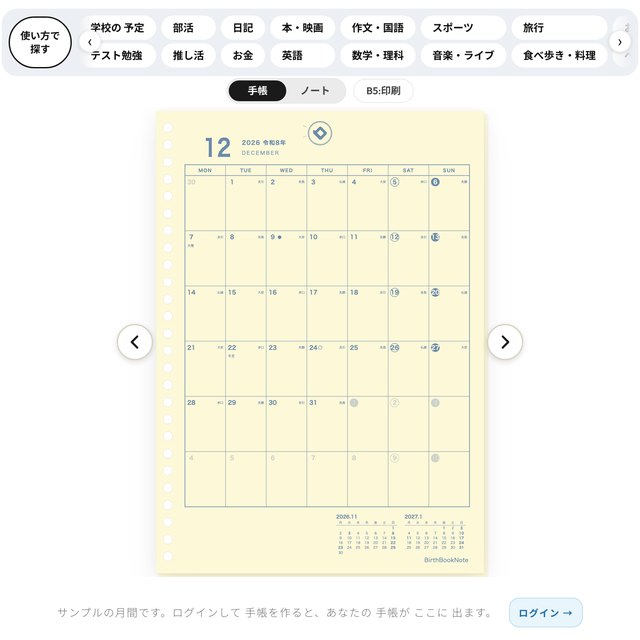
その日の絵を、月間のマスに Put each day's drawing in the monthly page
お店にログインして、えにっきで絵を描いて保存します。手帳を作る画面の「えにっき」で「いれる」をえらぶと、月間のマスに、その日の絵が出ます。
印刷しても絵が出るので、デコった手帳をそのまま持ち歩けます。
Log in to the shop, draw in Enikki and save. In the make screen, choose "Put in" under Enikki, and each day's drawing appears in its box on the monthly page.
The drawings print too, so you can carry your decorated planner with you.
三Stamp plaza
スタンプの広場The stamp plaza
「スタンプの広場」には、タイムちゃんの柄がならんでいます。気に入ったスタンプをおきにいりに入れると、手帳の紙に貼れます。
人が公開しているスタンプを、もらって貼ることもできます。自分のスタンプを公開すると、世界中の人がもらえます(名前や日づけは出ません)。
The "stamp plaza" has Time-chan designs lined up. Add a stamp you like to your favorites and you can place it on your planner page.
You can also get stamps that other people have made public. If you make your own stamp public, people around the world can get it (your name and dates are not shown).
四Saving
保存の しかたHow saving works
えにっきは、「保存」ボタンをおしたときに保存されます。保存しないで画面をはなれるときは、確認が出ます。
※お店にログインすると使えます。
Enikki saves when you tap the "Save" button. If you leave the screen without saving, a confirmation appears.
You need to be logged in to the shop to use this.
Four buttons
上の 4つの ボタンThe four buttons at the top
ページの 上の 4つの ボタンで、書く・刷る・作る・デコる が できます。
The four buttons at the top of the page let you write, print, make and decorate.