
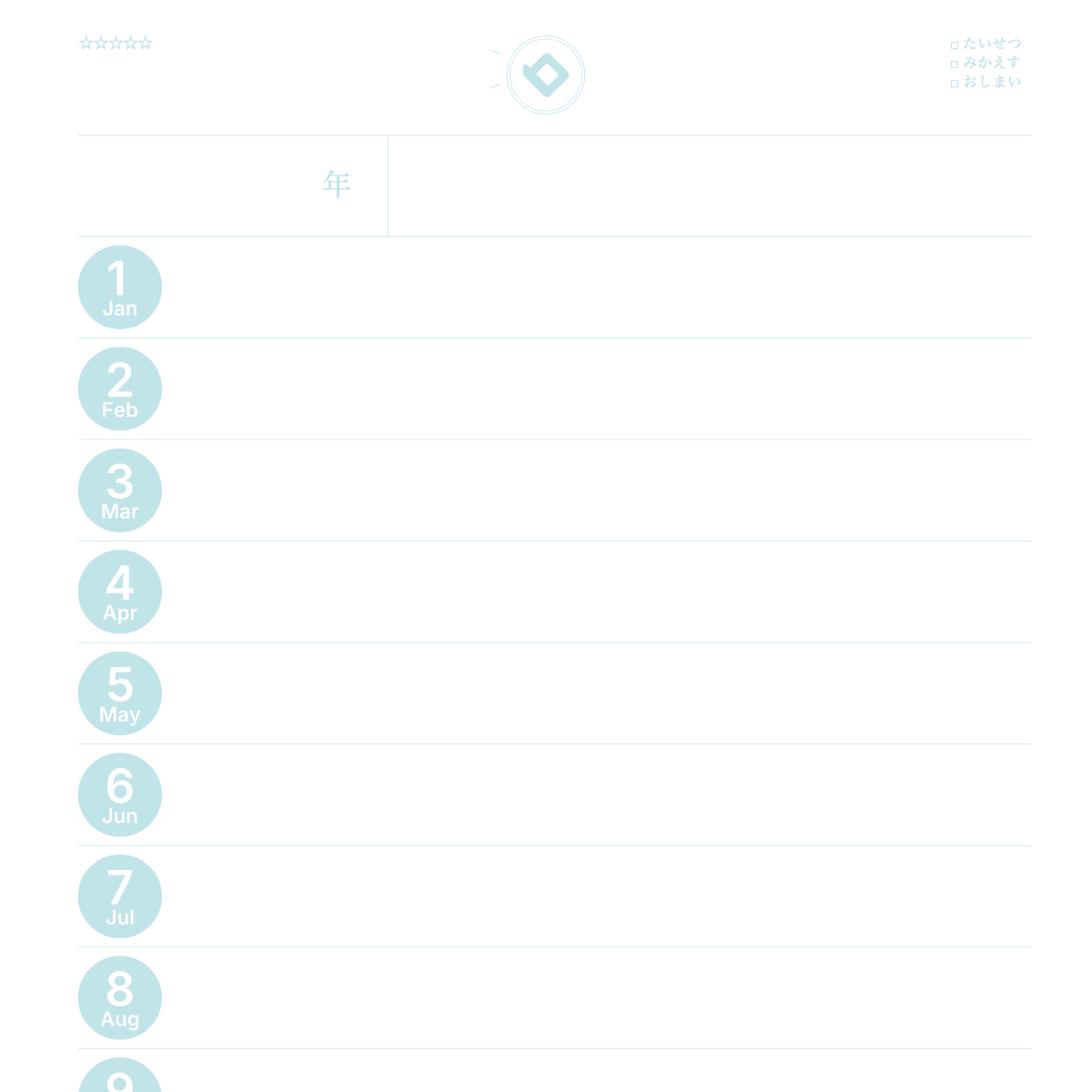
If you want to print a schedule book for free, you can download a file and print it, or you can make it in your browser and print it directly.
How to print without downloading
- Choose a paper size and layout on the Make page
- Set the colors and starting month
- Press the print button
- On the print screen, choose the paper size and 100% scale (actual size)
- Print on your home printer
Unlike a ready-made file, you can match the line colors and memo areas to your needs before printing.
Settings for clean printing
- Set the scale to 100% and turn off "Fit to page"
- Match the paper size in your printer's paper settings
- Print just one page first to check the size and colors
- Colors may look slightly different on screen and on paper
If you were looking for a download
- You can print directly from the screen, with no file to download
- Saving as PDF is for Plus members
- Unlike a ready-made file, you can change the starting month and colors before printing
Making a cute template
You can change the colors of lines and text, and of Saturdays and Sundays. You can add your name too. After printing, decorate with stickers or stamps (how to decorate).
How to bind your printed schedule book
 Punch holes with a hole punch and put the pages in a binder. See the size and hole chart for the hole count that fits your binder. More printing details are in How to print.
FAQ
Q. Can I really print a schedule book for free?
A. Yes. Making your pages and printing them on your home printer is free. Paper and ink are separate.
Q. Do I need to download anything?
A. No. You make it in your browser and print it directly.
Q. Can I print without a printer?
A. In Japan, you can also print on a convenience-store copy machine (B5 and A4).
Q. The printed size is off.
A. Check that the scale is 100% and that the paper size setting matches.
Q. Can I save it as a PDF?
A. Plus members can save a PDF from the print screen.
Q. Can I print a 2027 schedule book?
A. Yes. Set the starting month to January or April 2027, for example.
Read next
* As of November 10, 2026. The site keeps improving, so what you see on screen may differ from this description.