

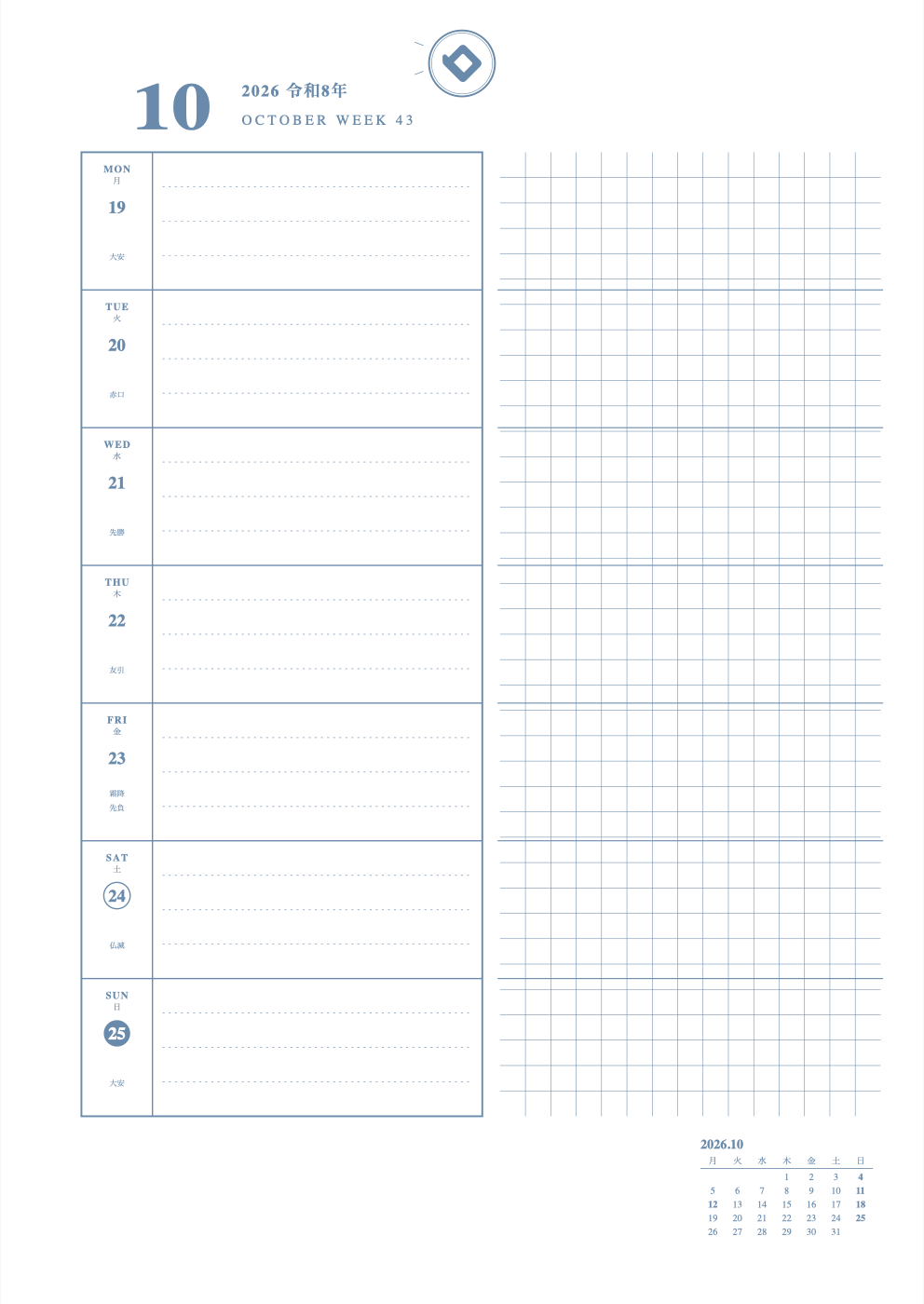
What is this layout?
 A Left layout with 7 note rows on the right, one for each day.
Weekly Left layouts put your week on the left and a notes area on the right.
How to use
- Write the day's plans in the row on the left.
- In the row at the same height on the right, write a short note or bedtime.
- Left and right sit side by side, so you can compare plans and records.
The sample picture above shows a middle-schooler's plans: red = tests, due dates and deadlines; green = fun plans; yellow highlighter = the one most important thing. Layouts differ, so each one is written a little differently.
★ Tip
Plans and diary connect on one line. Easy to keep up every day.
How to make this layout on our site
- In "Monthly or weekly", choose Weekly Left, then pick Left + 7 Rows
- Choose the start month for a full year of sheets
- In "Display", turn holidays and the small calendar on or off
- In "Adjust shape", change lines, scale marks and memo areas a little
- Choose colors, then press "Print" to print one sheet and try it (free)
New here? Read How to make your own planner.
FAQ
Q. Who is the Weekly Left layout for?
A. It suits people who write short plans and lots of notes or to-dos. The right-hand page is free to use.
Q. Can I change the lines in the notes area?
A. Yes. With "Adjust shape" you can switch the notes area to ruled, grid, dotted and more.
Similar layouts
* As of October 26, 2026. The site keeps improving, so what you see on screen may differ from this description.