
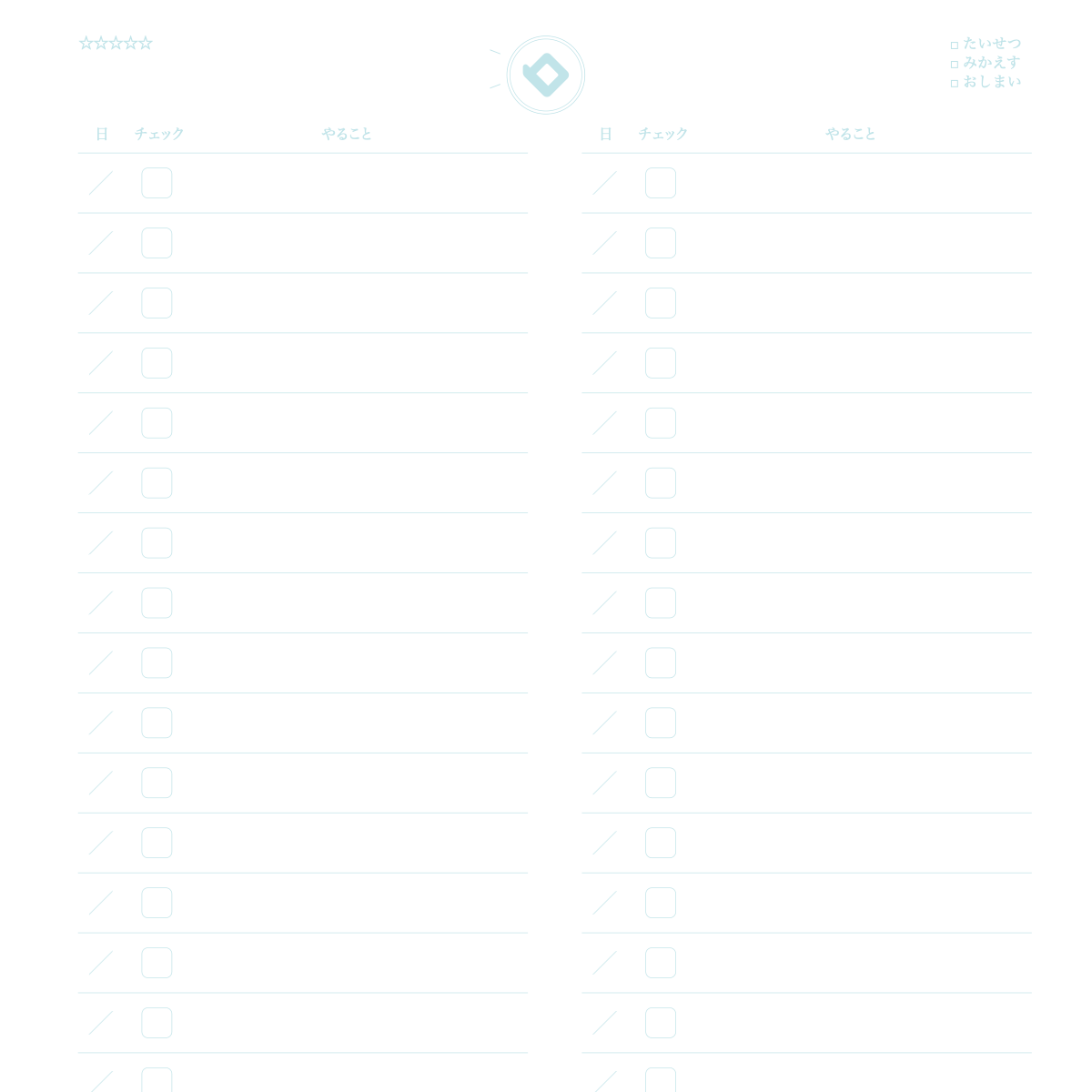
What is this notebook?
 A list where you write tasks with dates and watch your progress.
How to use
- Write the date in the day column, and one task per line in the task column.
- Put a ✓ in the check box when done. When the left column is full, go to the right.
- At the start of each week, look at what's left and copy it in date order.
Over time
You can notice your progress and your habit of putting things off.
★ Tip
Break big things into small ones and add dates. Leave a little breathing room.
How to use it on our site
- Open the top page and choose the "Notebook" tab
- Pick the Task List design
- Press "Sample" to see an example entry and how to use it
- Press "Print" to print one sheet free and try it
New here? Read How to make your own planner and How to print.
FAQ
Q. Can I try it before I buy?
A. Yes. You can print one sheet at a time for free and check line weight and color on real paper.
Q. Where can I find the sample?
A. On the top page, choose the "Notebook" tab, pick this design and press "Sample".