

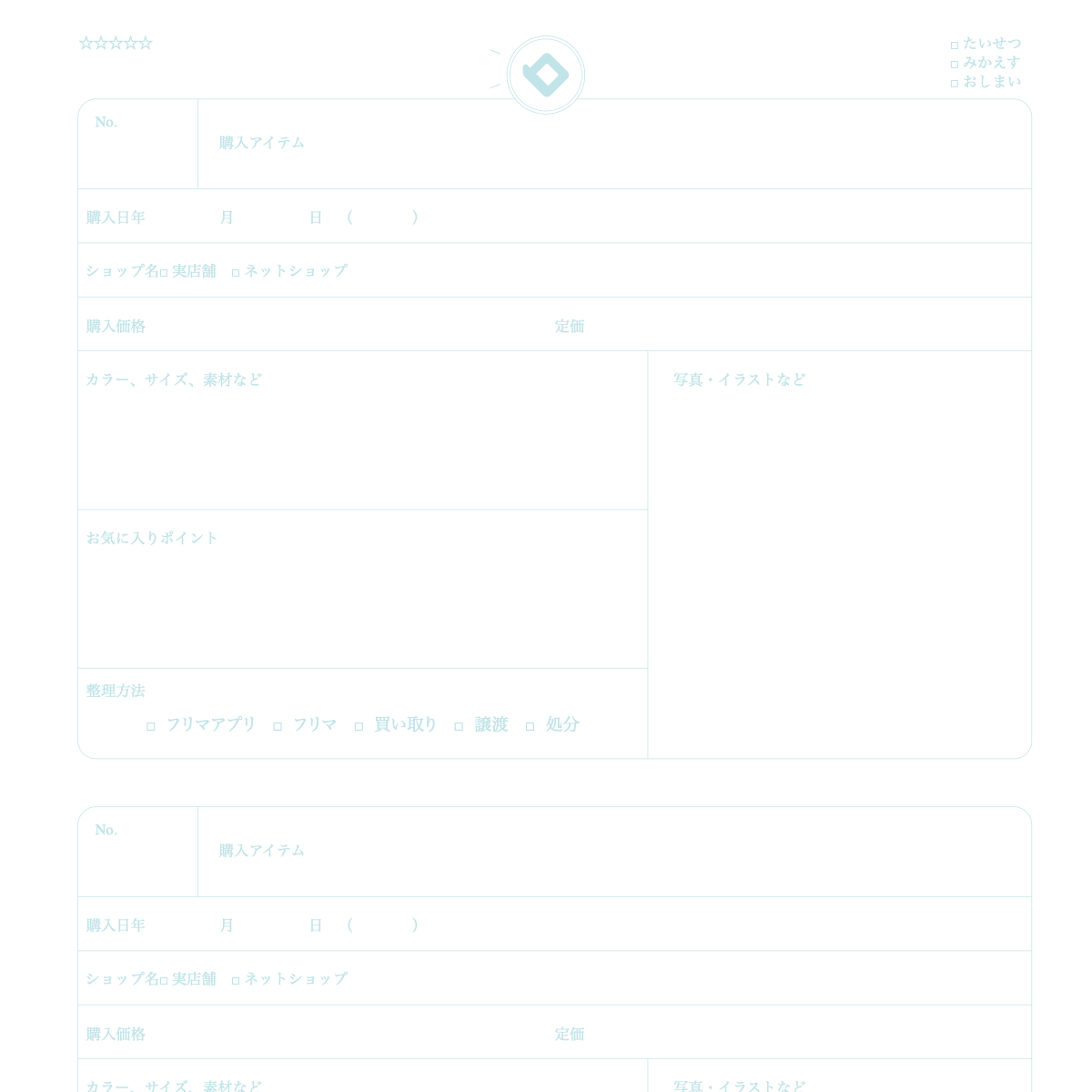
What is this notebook?
 A look-back notebook where you write each thing you bought.
How to use
- Write the item, date, shop name, price you paid, and list price.
- Write the color and material, and glue a photo in the photo/illustration frame.
- Write what you like about it, and ✓ how you got rid of it when you let it go.
Over time
You can notice your shopping habits and how you use money.
★ Tip
Write one line: "need" or "just want". Looking back weekly may cut overbuying.
How to use it on our site
- Open the top page and choose the "Notebook" tab
- Pick the Shopping Notebook design
- Press "Sample" to see an example entry and how to use it
- Press "Print" to print one sheet free and try it
New here? Read How to make your own planner and How to print.
FAQ
Q. Can I try it before I buy?
A. Yes. You can print one sheet at a time for free and check line weight and color on real paper.
Q. Where can I find the sample?
A. On the top page, choose the "Notebook" tab, pick this design and press "Sample".
Other notebooks
* As of October 26, 2026. The site keeps improving, so what you see on screen may differ from this description.