
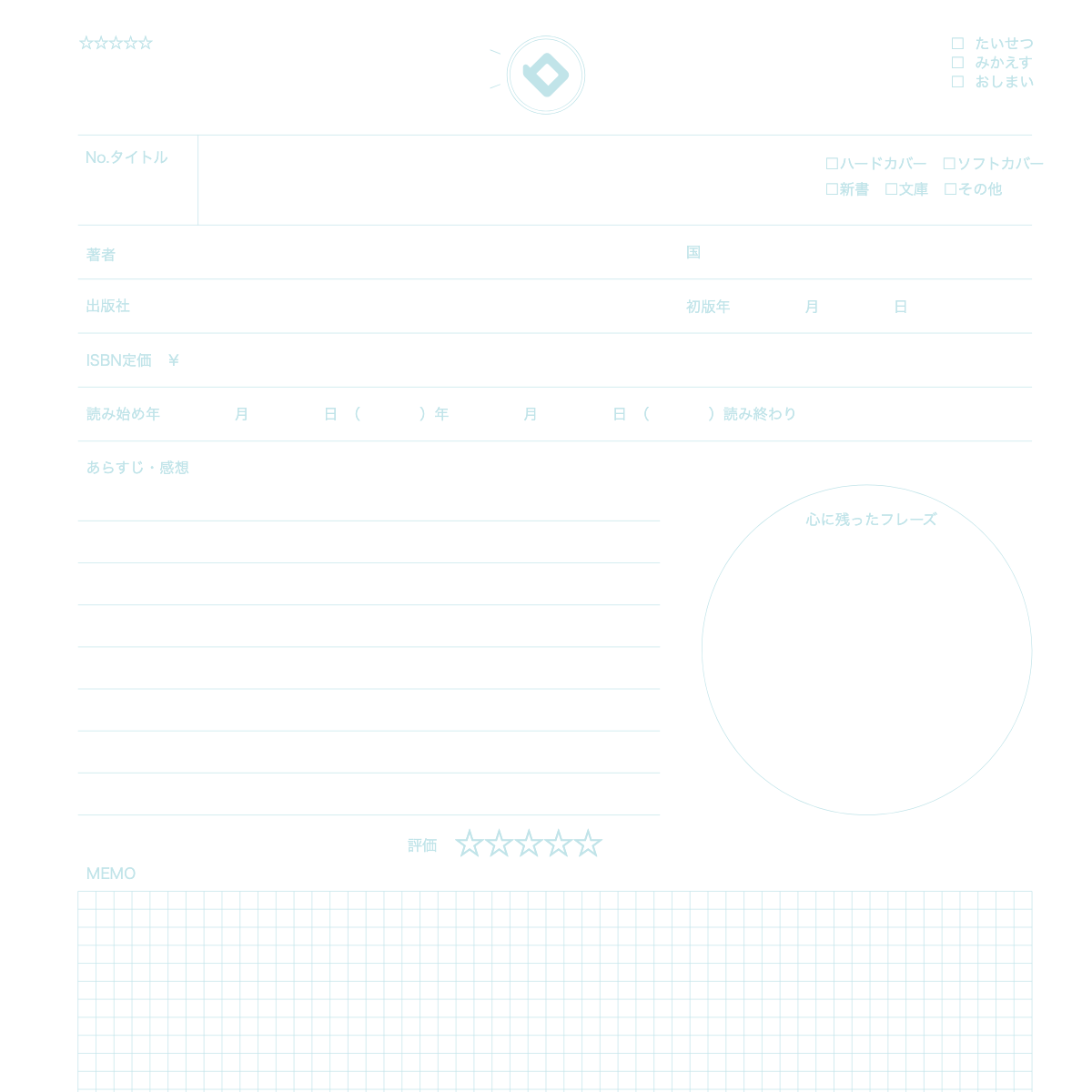
What is this notebook?
 A notebook that keeps the title and your thoughts on each book you read.
How to use
- Write the book's title, author, and the date you read it.
- Write a short summary and what stayed in your mind.
- Write a favorite phrase, rate it with ★, and note the next book to read.
Over time
You can see how many books you've read and what kinds you like.
★ Tip
Write one sentence about how you feel, then sum it up in a few words.
How to use it on our site
- Open the top page and choose the "Notebook" tab
- Pick the Reading Notebook design
- Press "Sample" to see an example entry and how to use it
- Press "Print" to print one sheet free and try it
New here? Read How to make your own planner and How to print.
FAQ
Q. Can I try it before I buy?
A. Yes. You can print one sheet at a time for free and check line weight and color on real paper.
Q. Where can I find the sample?
A. On the top page, choose the "Notebook" tab, pick this design and press "Sample".