
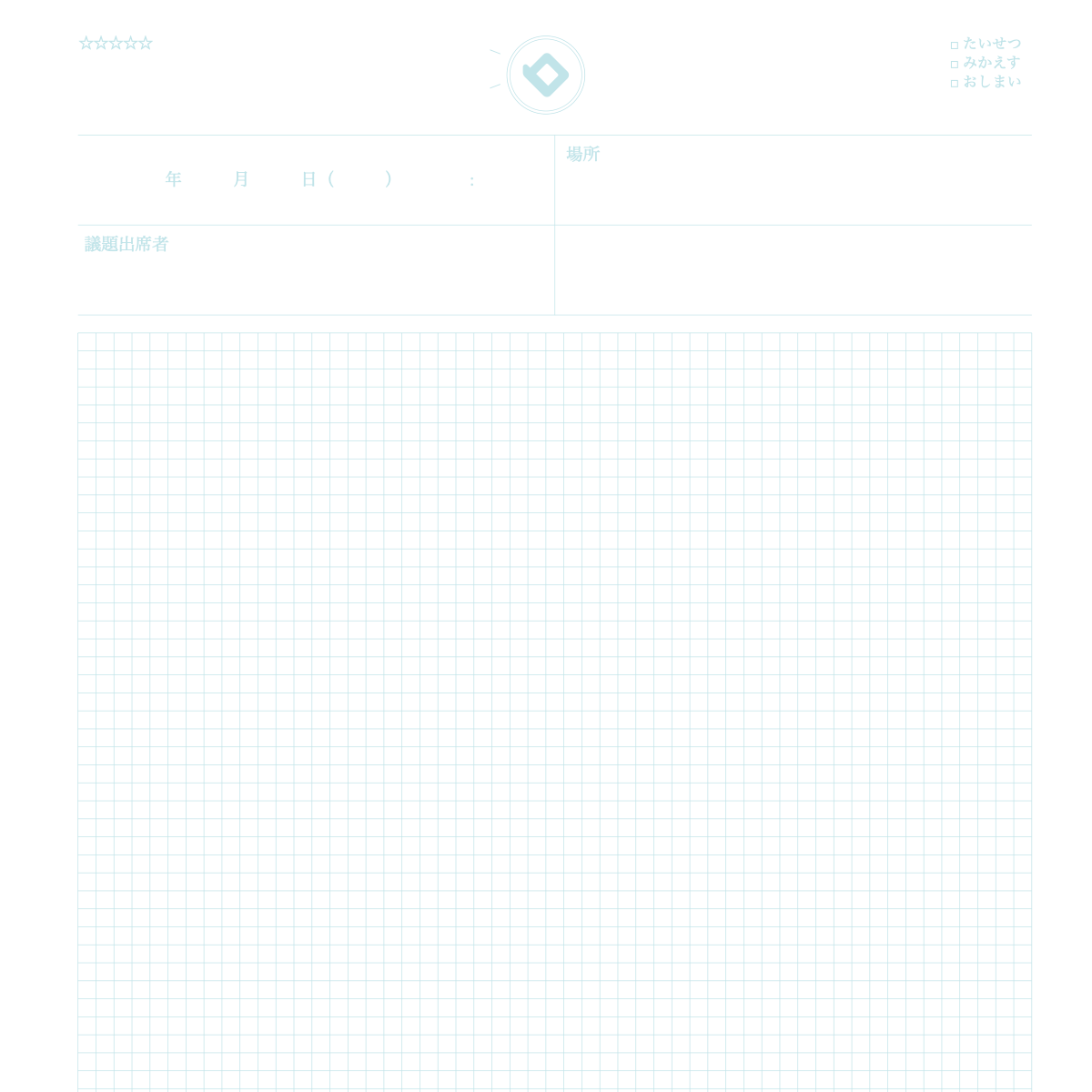
What is this notebook?
 A notebook to keep what was said in meetings or talks, to look back on.
How to use
- In the top frame, write the date, place, agenda, and who came.
- On the grid, write "what we discussed", "what we decided", and "to-dos" separately.
- For each to-do, write who does what by when. Check at the next meeting.
Over time
Decisions and to-dos are easier to check later.
★ Tip
Mark decisions. Write your own opinions apart from facts.
How to use it on our site
- Open the top page and choose the "Notebook" tab
- Pick the Meeting Notebook design
- Press "Sample" to see an example entry and how to use it
- Press "Print" to print one sheet free and try it
New here? Read How to make your own planner and How to print.
FAQ
Q. Can I try it before I buy?
A. Yes. You can print one sheet at a time for free and check line weight and color on real paper.
Q. Where can I find the sample?
A. On the top page, choose the "Notebook" tab, pick this design and press "Sample".