

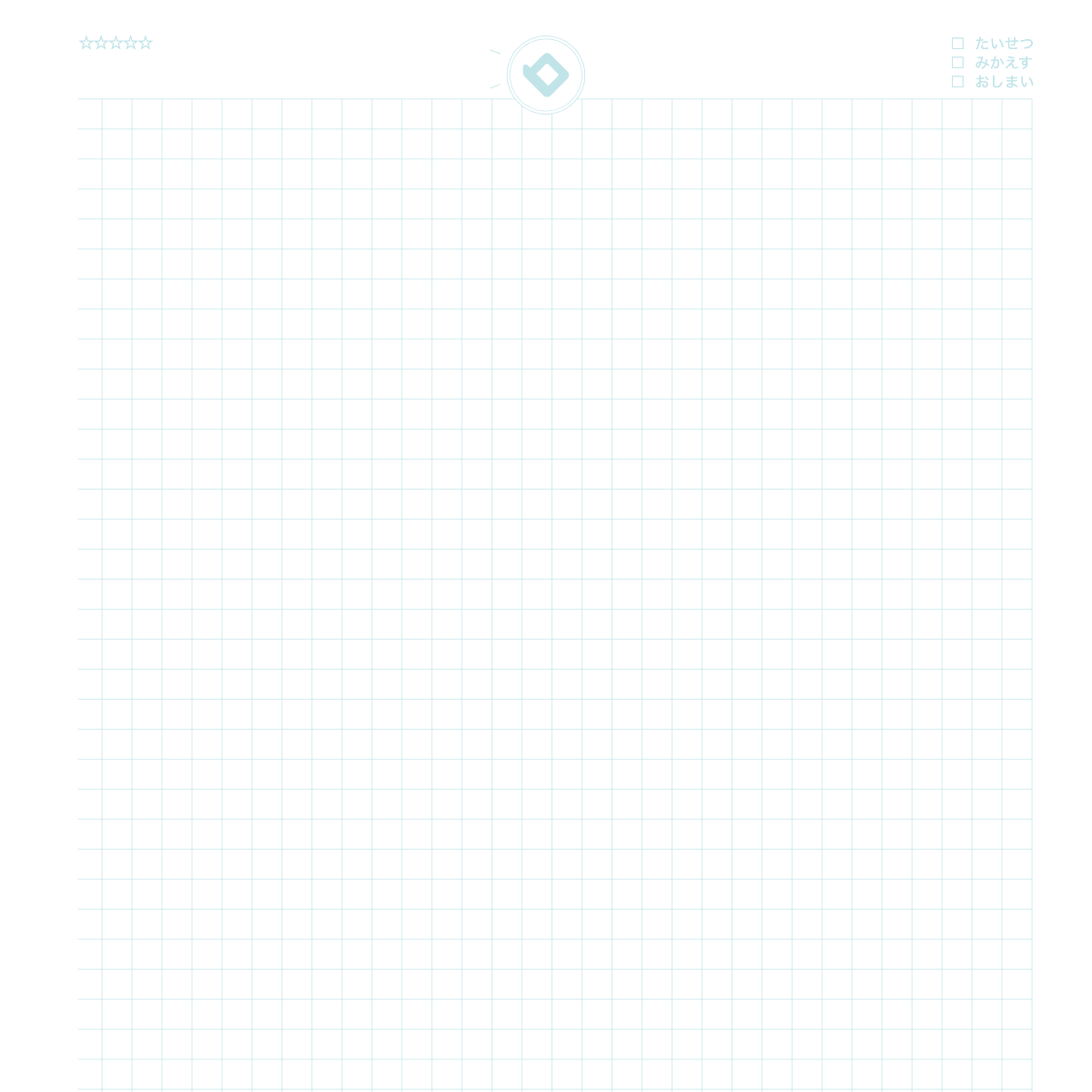
What is this notebook?
 A basic grid notebook that makes equations, figures, and tables easy in class.
How to use
- Write the date and title, and line up equations with the grid lines, one per line.
- Draw figures, graphs, and tables with a ruler, using the squares as a guide.
- At the end, write key points and questions, and redo problems you got wrong later.
Over time
You can compare how you draw figures and tables, and use it to redo problems.
★ Tip
Write the date and topic at the top, and use squares to size figures evenly.
How to use it on our site
- Open the top page and choose the "Notebook" tab
- Pick the Grid Notebook (Math) design
- Press "Sample" to see an example entry and how to use it
- Press "Print" to print one sheet free and try it
New here? Read How to make your own planner and How to print.
FAQ
Q. Can I try it before I buy?
A. Yes. You can print one sheet at a time for free and check line weight and color on real paper.
Q. Where can I find the sample?
A. On the top page, choose the "Notebook" tab, pick this design and press "Sample".
Other notebooks
* As of October 26, 2026. The site keeps improving, so what you see on screen may differ from this description.