
What is this notebook?
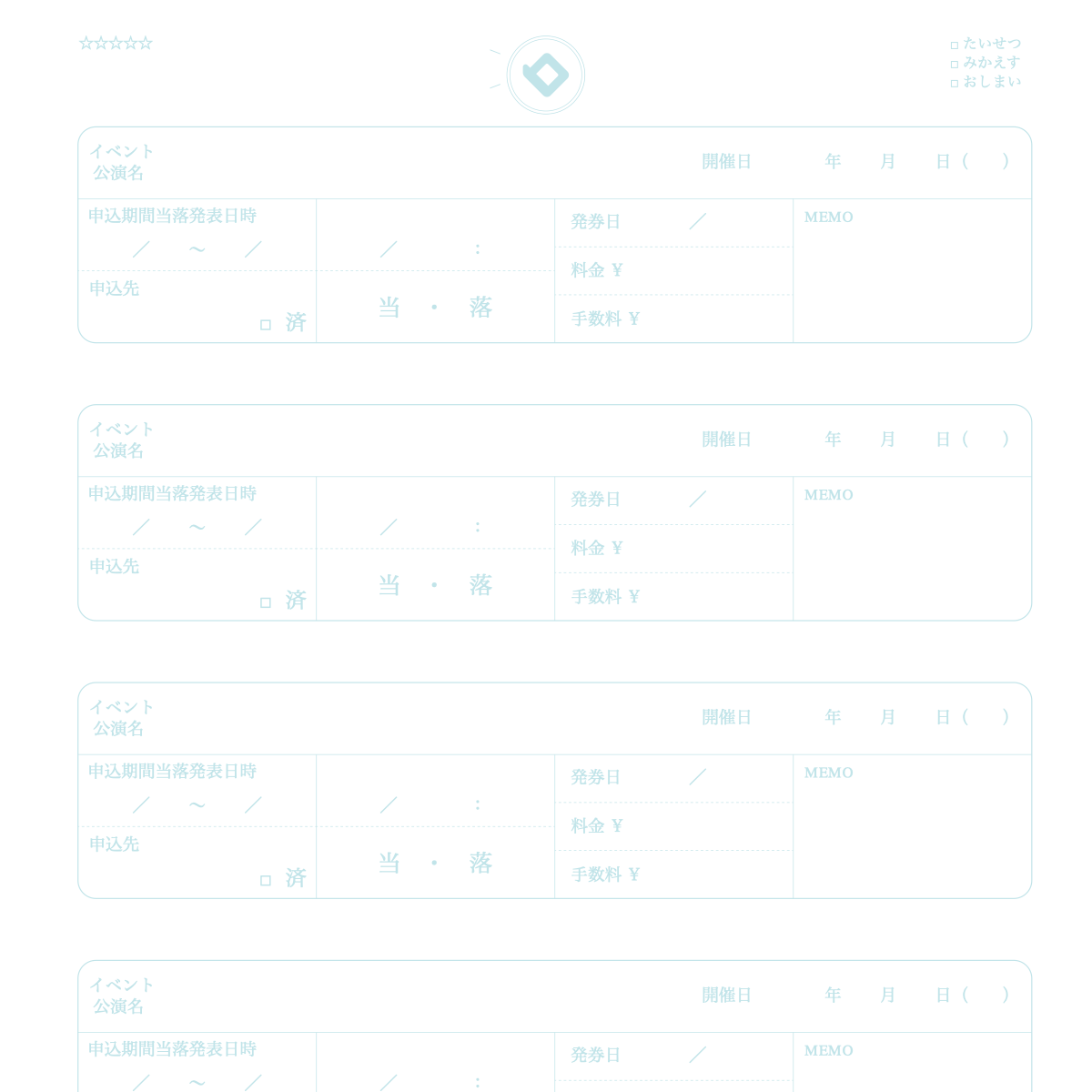
 A notebook that keeps live-event tickets from application to issuing.
How to use
- Write the event name, date, application period, and where to apply, and ✓ when done.
- Write the announcement date and time, and when the result is out, circle Won or Lost.
- If you won, write the ticket issue date, price, fee, seat, and more in MEMO.
Over time
You can recall the flow from applying to getting your ticket.
★ Tip
Write payment and issuing deadlines in MEMO. If you lose, write the next sale date.
How to use it on our site
- Open the top page and choose the "Notebook" tab
- Pick the Fan Event Ticket Notebook design
- Press "Sample" to see an example entry and how to use it
- Press "Print" to print one sheet free and try it
New here? Read How to make your own planner and How to print.
FAQ
Q. Can I try it before I buy?
A. Yes. You can print one sheet at a time for free and check line weight and color on real paper.
Q. Where can I find the sample?
A. On the top page, choose the "Notebook" tab, pick this design and press "Sample".